

A product from Lyron
Tungbillading
Plan electric trips as confidently as diesel ones. Tungbillading puts the charging where the driver has to take a break anyway, shows which charging stations suit the truck, and keeps up when the day doesn't go as planned.
30 days free with your own trucks after the demo.
How it works
From the truck to the finished trip
01
Add the trucks
Battery, charging curve, connectors (CCS and MCS), dimensions and weight. With access to the maker's fleet API, the app takes the battery level and position from the truck itself.
02
Plan the trip
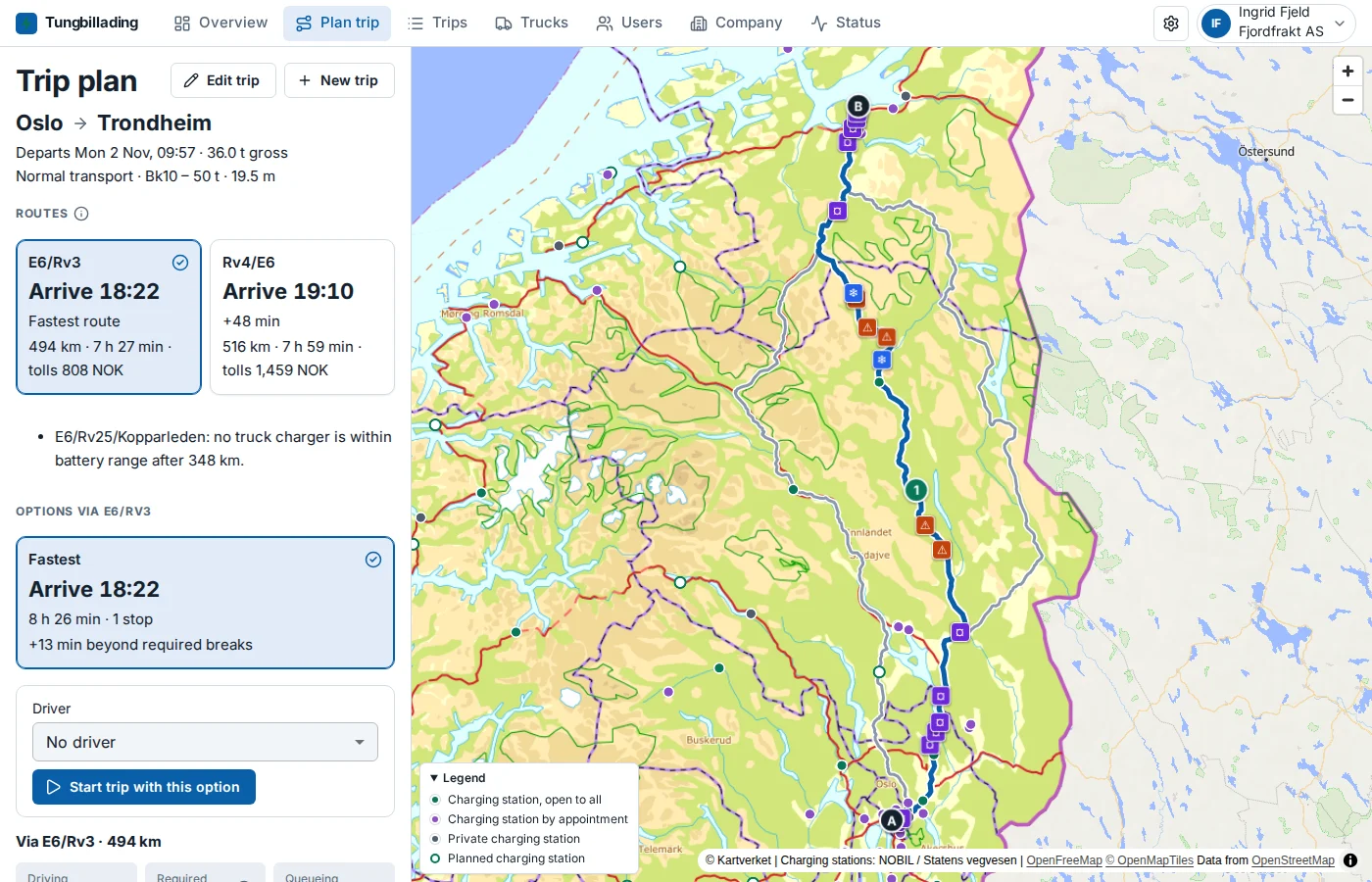
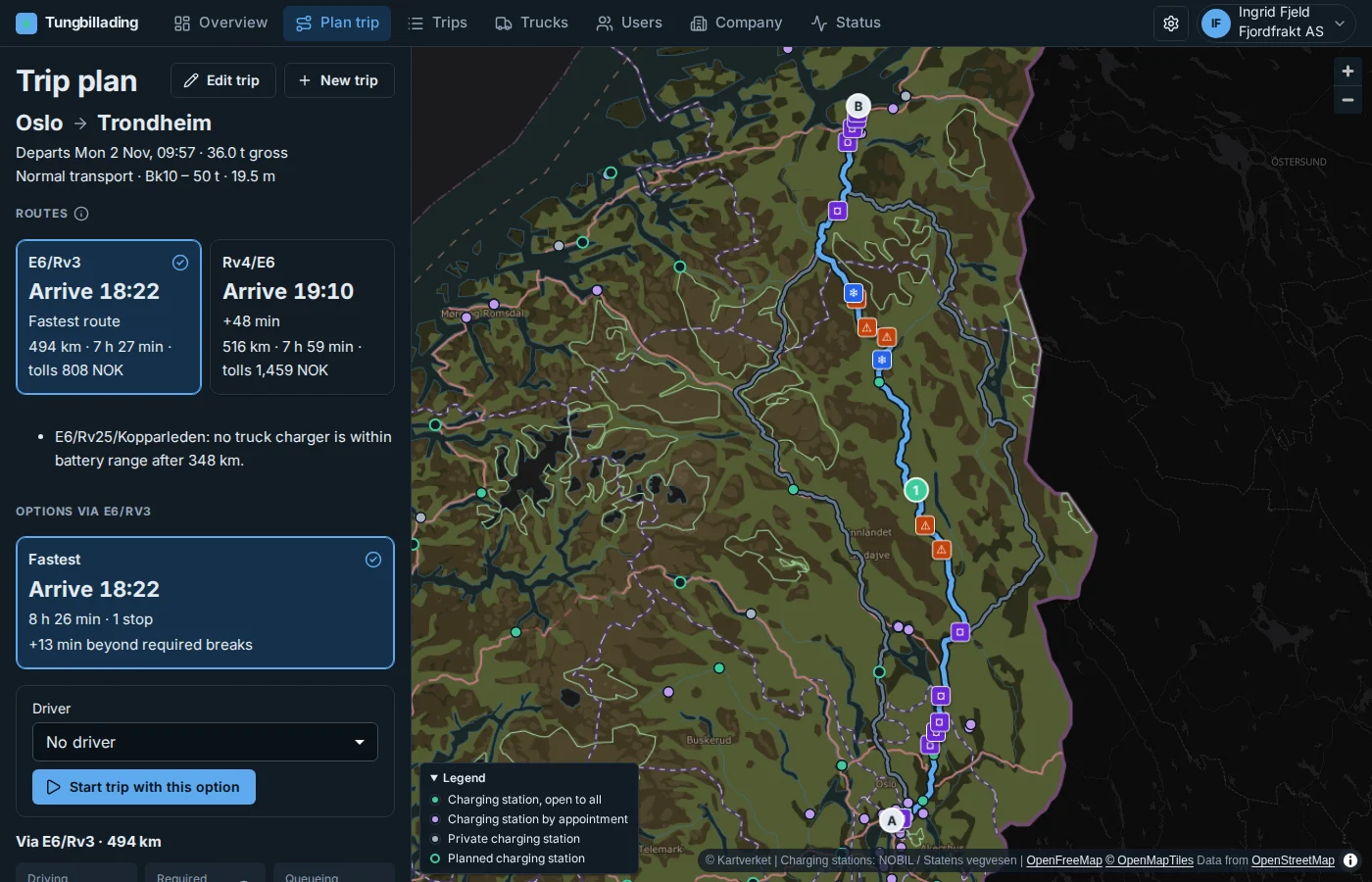
Choose from and to, departure and load. Routes from the Norwegian Public Roads Administration, charging stations for heavy vehicles from NOBIL, and breaks and daily rest under the EU driving and rest time rules (Regulation 561/2006). With two drivers, one takes the breaks while the other drives. You get the fastest option and a few good alternatives on other roads.
03
Start and follow the trip
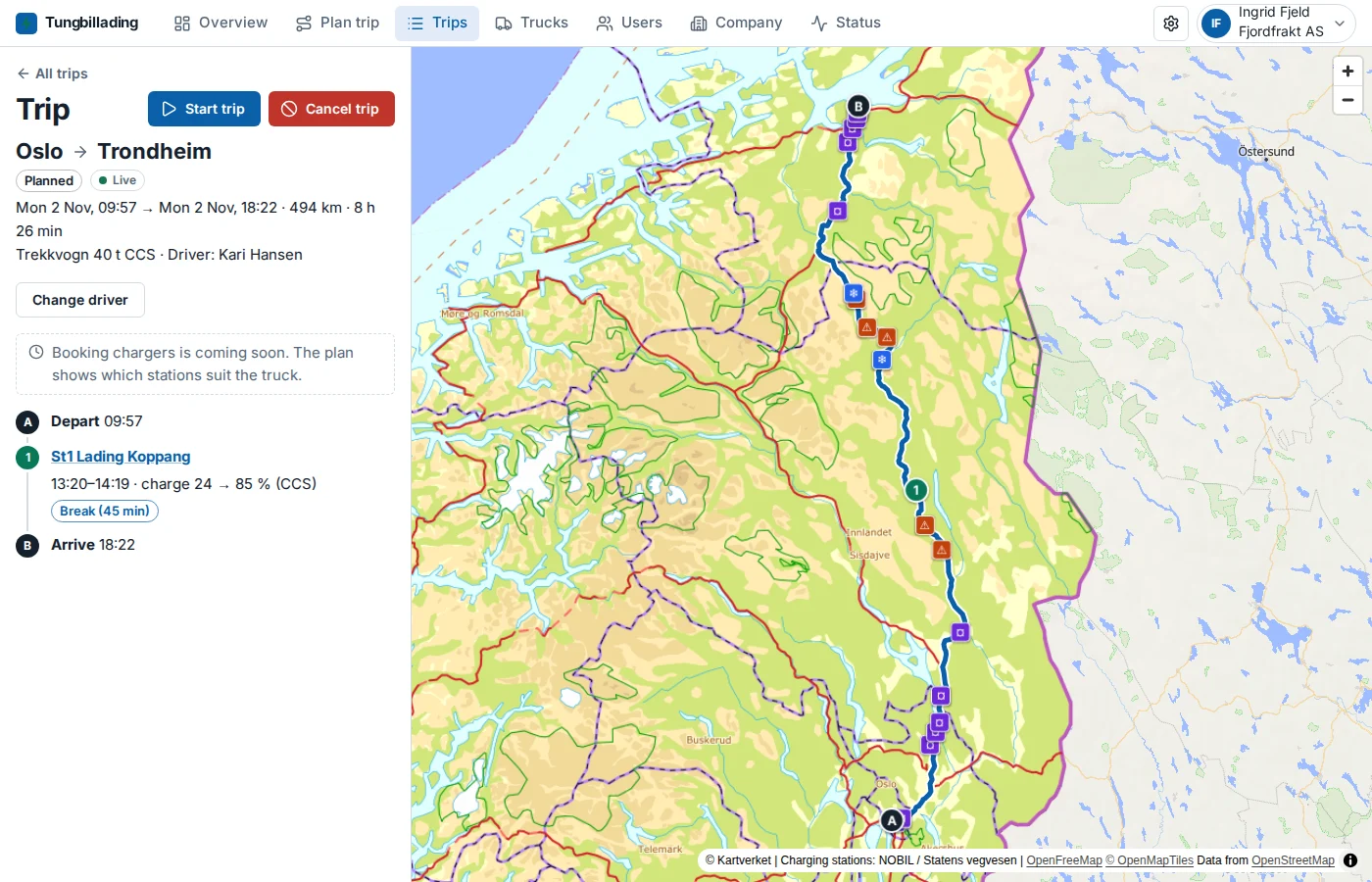
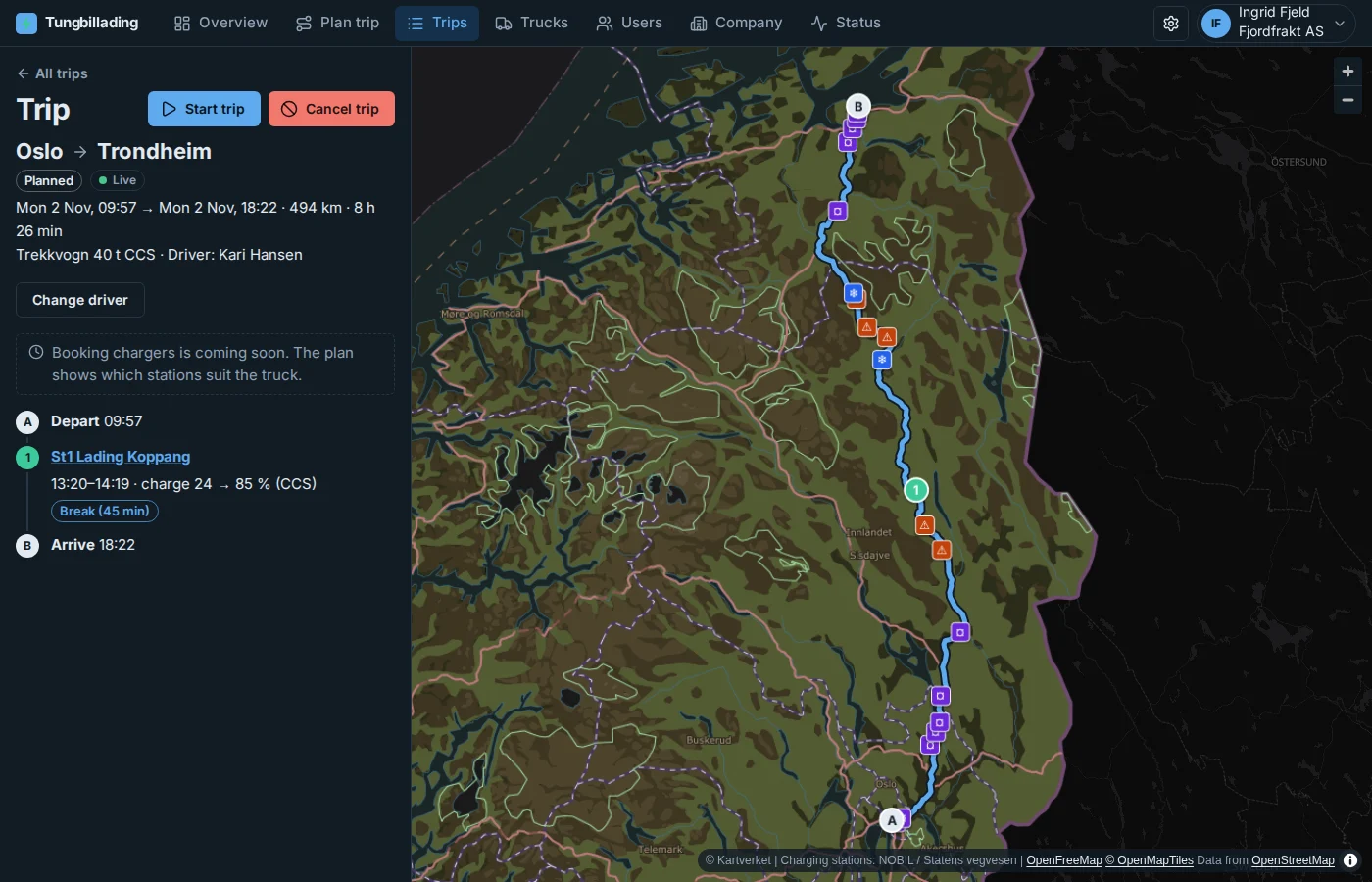
Give the trip to a driver, or two. While the trip is under way, you see where the truck is and when it will arrive. When it runs slower than planned, the app suggests a better plan, and the driver can accept it.
An example
Oslo–Trondheim with one charging stop
A 40-tonne tractor unit carrying 24 tonnes, from Oslo to Trondheim. The charging goes into the break the driver has to take anyway.
Oslo → Trondheim
Tractor unit 40 t CCS · 24 t load
Battery on the way
07:00 · Oslo
Departs with 90 % battery
10:24–11:31 · St1 Lading Koppang
After 228 km. Charges from 20 % to 88 % in 60 min, during the required 45-minute break.
15:34 · Trondheim
Arrives with 15 % battery
- Distance
- 494 km
- Driving
- 7 h 27 min
- Beyond required breaks
- 21 min
Breaks under Regulation 561/2006
Beta
Try Tungbillading now, without signing in
Get a sample company with drivers, trucks and a trip under way. You are the fleet admin, plan trips and see what the driver sees. It is all sample data only you see, and it is gone when you close the browser. The real version we connect to your company after a demo.
- Signing in
- The beta: One click, no account
- The real version: Your work accounts (Microsoft Entra ID); your IT admin decides who gets in
- Company and people
- The beta: A sample company with sample drivers
- The real version: Your company, with your own drivers and fleet admins and their roles
- Trucks
- The beta: Sample trucks
- The real version: Your trucks, and data from the truck makers (position and battery)
- Trips and positions
- The beta: Simulated drives
- The real version: Real trips, with positions from the truck or the driver’s phone
- Data
- The beta: Gone when you close the browser
- The real version: Kept for your company, with export, an audit log and a data processing agreement
- Help
- The beta: None, it’s a beta
- The real version: Getting started with us, a 30-day trial, then an agreement
Coming
What we're working on
None of this is in the app yet. If you'd like to try any of it first, say so at the demo.
Apps for Android and iPhone
The position is sent by itself while the driver drives, and the driver gets a message on the phone when the trip changes or a better plan is ready, even with the app closed.
Charger booking
Book the charging stops from the plan, confirmed by the charging operator where the station takes bookings, and see on the way whether the booking holds.
Free chargers and queues
How many chargers are free, and the queue to expect when the truck gets there, from the stations’ own data.
Connected to your systems
Trips and expected arrivals straight into the transport system you use, through an API.
Sign-in without Microsoft
For companies that use Google Workspace or another sign-in than Microsoft Entra ID.
Get started
From the demo to your own trips
01
Book a demo
Tell us briefly about your fleet and when suits you. We'll get in touch and show Tungbillading on your own routes.
02
We set you up
After the demo we create your company and go through the sign-in with your IT admin: one consent and two roles in Entra ID, about fifteen minutes.
03
Try it for 30 days
Use Tungbillading with your own trucks and trips. Afterwards we agree on the agreement, or the company is closed for changes and you can export your data.
Questions and answers
What people ask
Which trucks does it work for?
Electric trucks and combinations with CCS or MCS charging. You add the battery, charging curve, dimensions and weight of each truck, and planning uses them.
Do the plans follow the driving and rest time rules?
The plans add breaks and daily rest under the EU driving and rest time rules (Regulation 561/2006), including the split break of 15 + 30 minutes. The driver is still responsible for following the rules; the tachograph is what counts.
Can we book chargers in the app?
Not yet: booking with the charging operators is coming (see “Coming”). Today the plan shows which stations suit the truck, and whether they are open to all or must be agreed with the operator.
Who sees the drivers' positions?
The company's fleet admins, and only while a trip is under way. Positions are deleted after 90 days. Our support never sees them.
Can your support see our data?
Only if a fleet admin gives access, and only for 24 hours at a time. Everything support reads is in the company log.
What is the beta?
A taste: a sample company with sample data, without signing in, gone when you close the browser. The real version we connect to your company after a demo: you sign in with your work accounts, add your own trucks, and position and battery come from the trucks or the driver’s phone.
Is there an app to install?
No. Tungbillading is a web app that works on phones, tablets and computers. Apps for Android and iPhone are coming (see “Coming”).
See Tungbillading on your own routes
30 days free with your own trucks after the demo.